 Multi Search Hub
How to Search Multiple Search Engines at Once
Learn how to compare search sources, find useful perspectives, and save time with one organized workflow.
Read Guide →Multi Search Hub helps you search across multiple engines, organize your workflow, and discover more perspectives—all in one place.
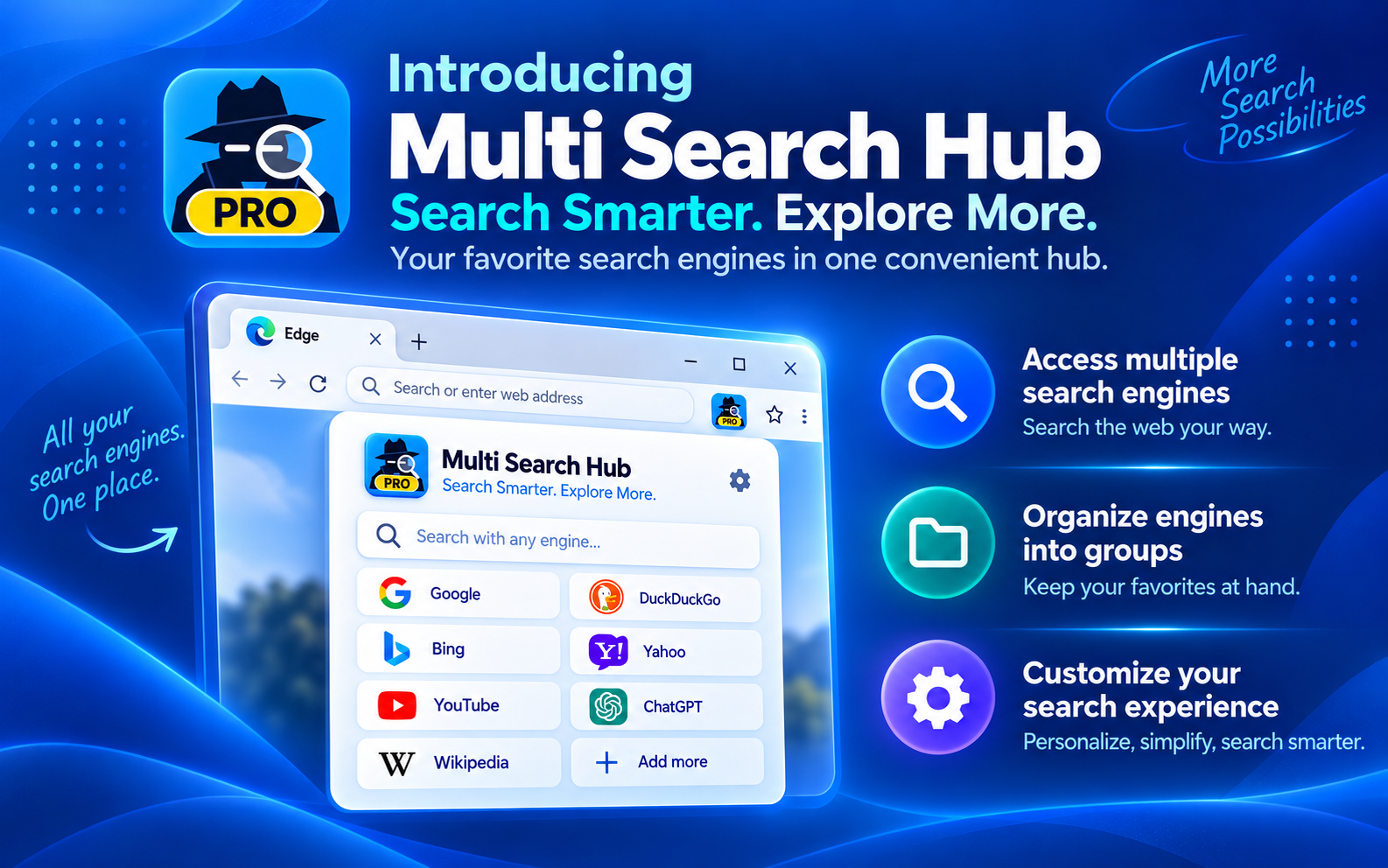
Start free, upgrade when you're ready, and discover what Pro can add to your workflow.
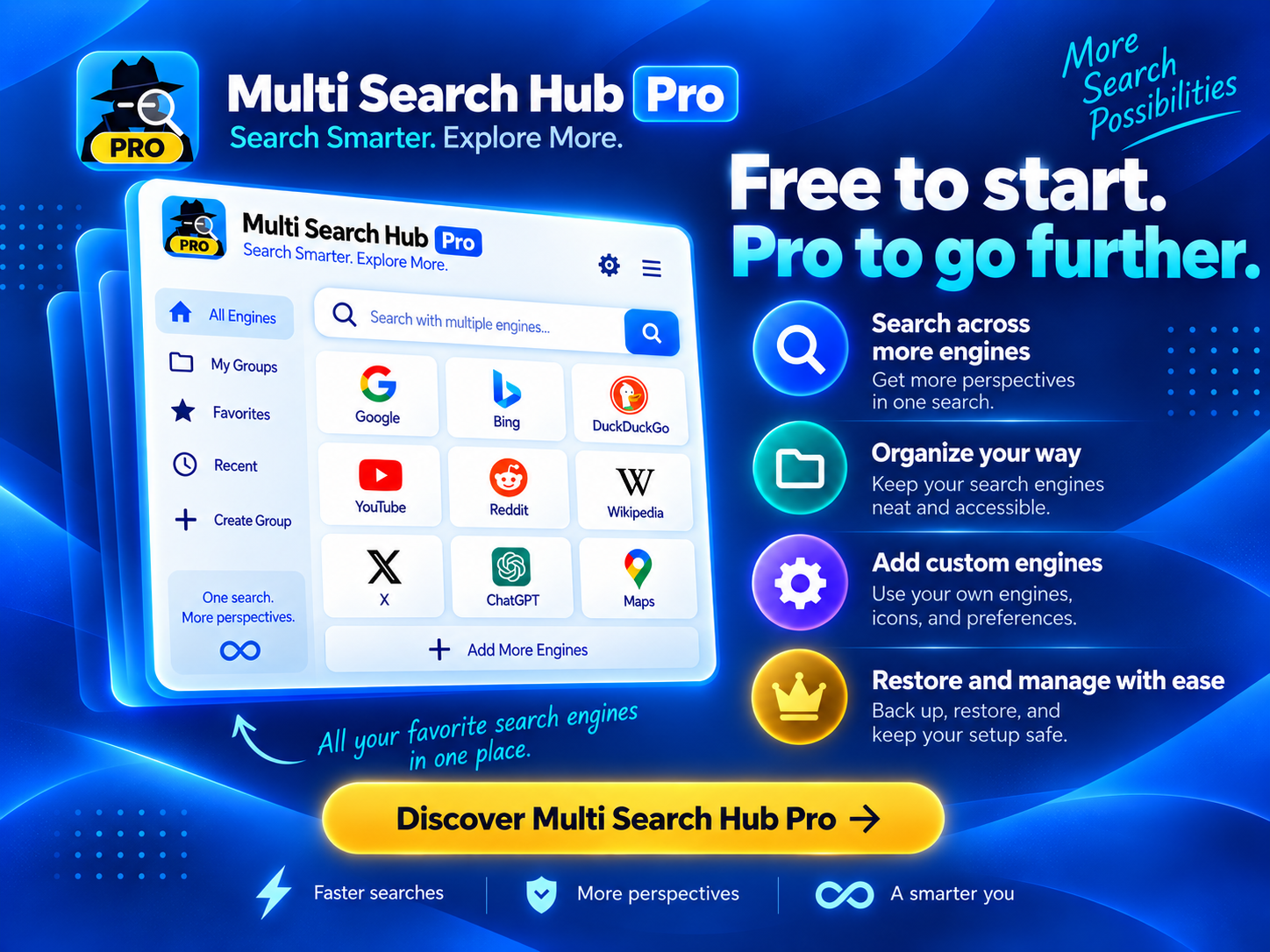
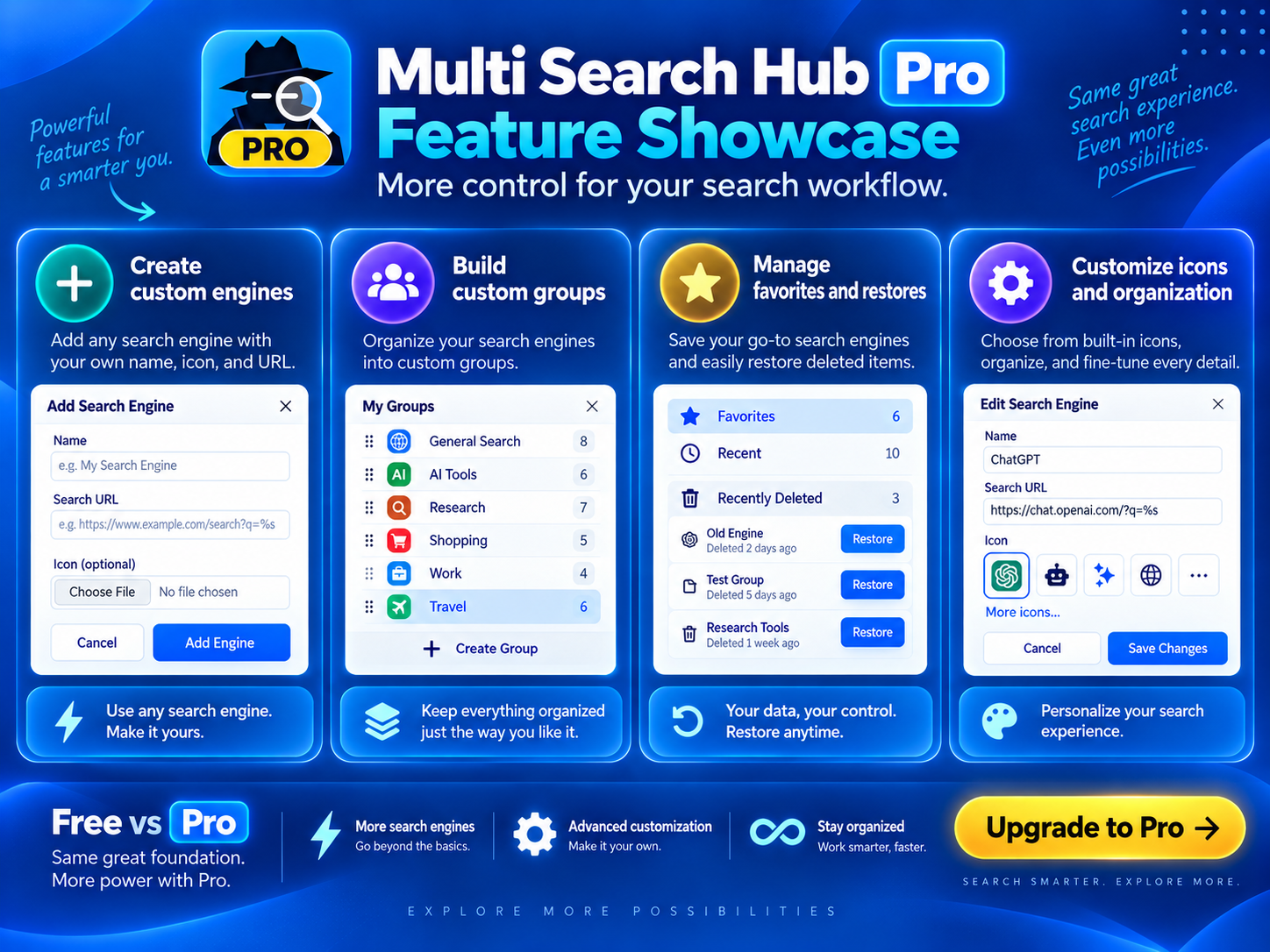
Both illustrations highlight Pro. Upgrade for $9.99 one-time; see the verified edition differences below.
One query. Organized results from compatible providers, with other sources opening separately.
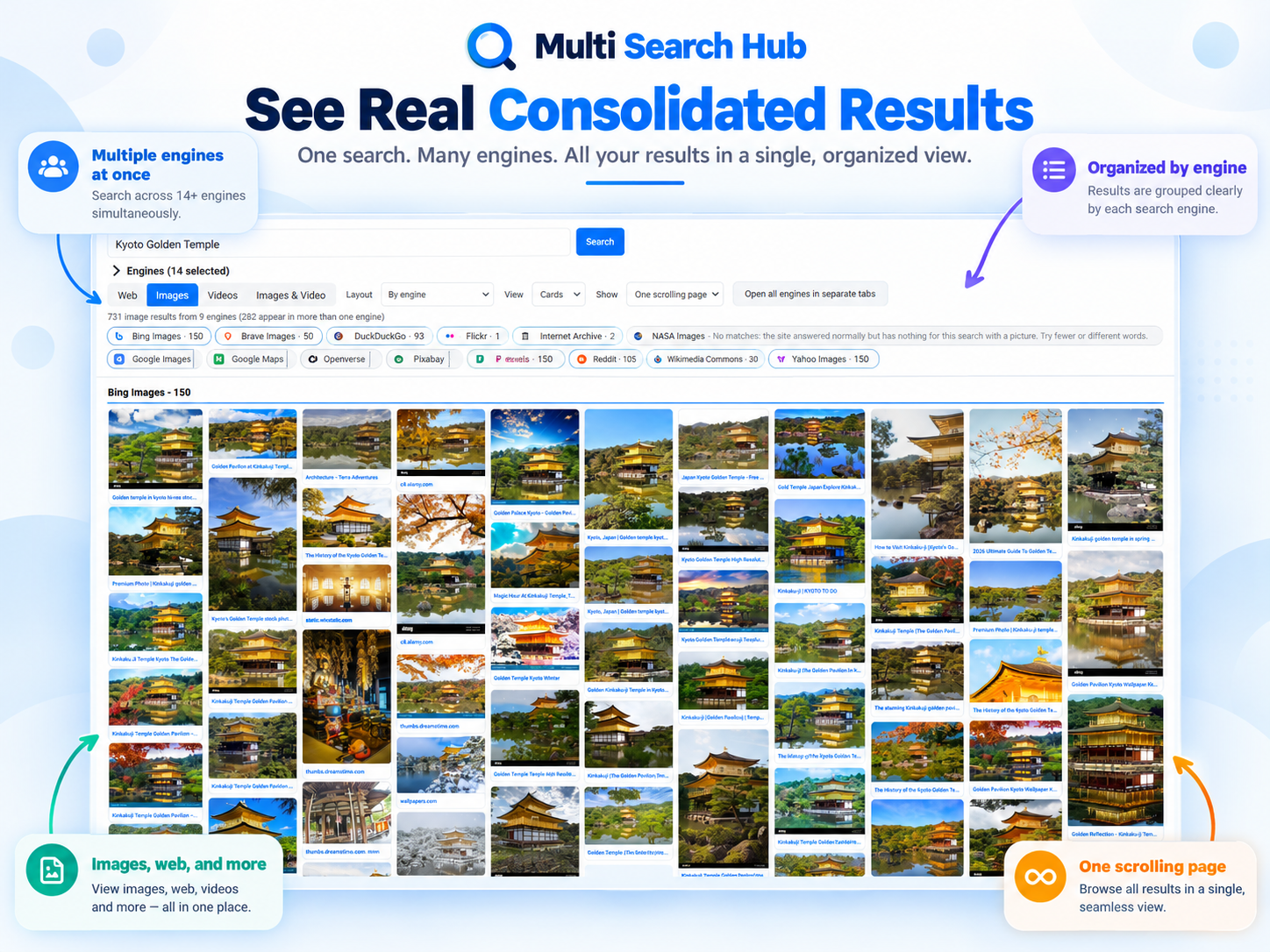
Researchers, travelers, analysts and curious searchers can explore different perspectives without losing track of where each result came from.
Compare Free and Pro features.
| Feature | Free | Pro · $9.99 one-time |
|---|---|---|
| Consolidated results per engine | Up to 15 | No Free cap; adjustable up to 300† |
| Total consolidated results per search | Up to 60 | No Free total cap† |
| Search-provider result display | Compatible sources grouped by engine | Compatible sources grouped by engine |
| Separate-tab sources | Open separately when required | Open separately when required |
| Search groups | Built-in groups | Built-in + custom groups |
| Custom search engines | Not included | Add your own name, search URL and icon |
| Saved engine presets | Not included | Named presets and group defaults |
| Multi-Group Search | Not included | Choose multiple groups and presets |
| Search history | Not included | Optional local history |
| Settings backup and restore | Not included | Export and restore settings |
* “No result limits” means Pro removes the Free edition’s 15-per-engine and 60-total caps. † Pro lets you configure the per-engine display setting up to 300; actual results depend on provider availability and restrictions. Some providers open in separate tabs instead of consolidated results.
Learn how to get the most out of Multi Search Hub with practical guides and research tips.
Learn how to compare search sources, find useful perspectives, and save time with one organized workflow.
Read Guide →Understand indexing, rankings, and how comparing multiple sources can reveal useful differences.
Read Guide →Use a deliberate search workflow to reduce tab clutter, manage sources, and work more efficiently.
Read Guide →See the differences between editions and choose the features that make sense for your work.
Read Guide →